How to keep track of your business's inventory, step by step
What to write down, how to work out cost, when to count and what to use: a notebook, a spreadsheet or an inventory system. With a free template to start today.
 Arca8 min read
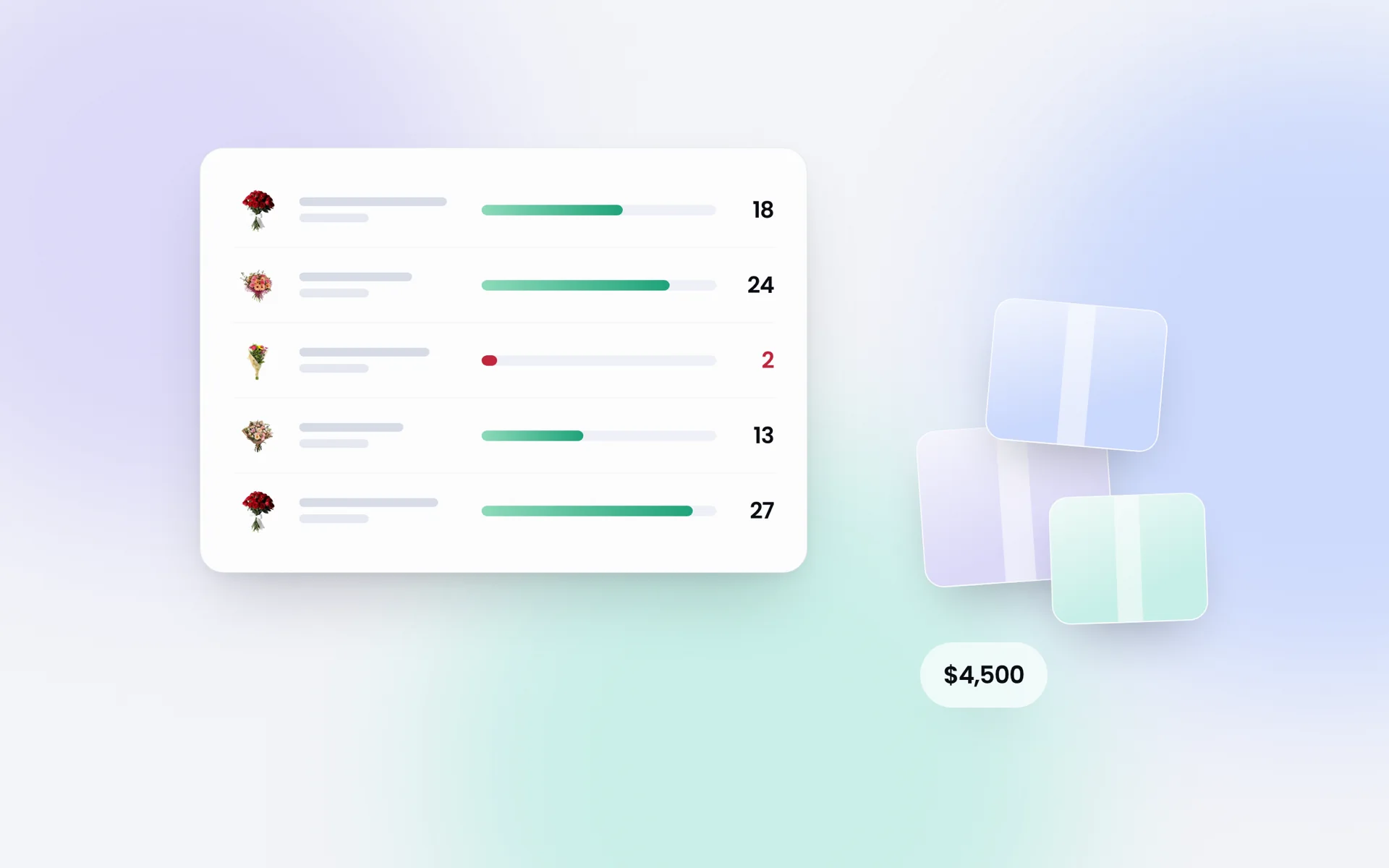
Inventory control means knowing, at any moment, how many units you have of each product, what they cost you and which ones are about to run out. It sounds obvious and almost nobody has it: most small businesses know what's in stock because somebody remembers, and find out something was missing when a customer asks for it.
What you lose by not keeping it doesn't show up all at once. It leaks: the stock you buy twice because you didn't know you had it, the item that runs out on a Saturday, the shrinkage nobody wrote down and the money sitting on a shelf that doesn't move. Here, in order, is what it takes to do it well, and what to use.
The minimum you have to write down
Three things per product: how many units came in, how many went out and why, and how many are left. If the first two are recorded properly, the third works itself out. That record, product by product and movement by movement, is what's called a kardex or stock ledger, and everything else is built on it.
- Every arrival the day it comes in, with the quantity and the unit cost. Not “next week when there's time”: by then half of it has sold.
- Every outgoing unit with its reason. Sale, shrinkage, transfer to another store, internal use, return to the supplier. Shrinkage logged as a sale inflates your sales and hides the problem.
- A minimum per product. The quantity at which you reorder. Without a minimum, the reorder alert is running out.
- Where it is. Shelf, back room, the other store. If you have more than one place, a unit with no location is a unit that gets counted twice or not at all.
Read: what a kardex is and why nobody should be able to erase it
Cost: what each unit really cost you
The most common mistake is recording the last purchase price as the cost. If you bought ten units at $200 and then ten at $300, you don't have $300 units: you have twenty units that cost you $250 on average. That weighted average is the cost you should use to value what you sell and what's left on the shelf, and it's recalculated with every arrival.
It matters even if you sell little, because each product's margin comes from it. With cost valued wrong, the product that “makes the most” can be the one that makes the least.
Read: how weighted average cost works
Counting: how often and how
The record says what should be there. The shelf says what is. The difference between the two is shrinkage, a data entry error or theft, and the only way to see it is to count. You don't need to close the shop on a Sunday: count by zones, in quiet hours, and compare zone by zone.
- What sells most or is worth most, every month. The rest, every three months.
- Always against a printed list of what should be there, never from memory.
- The difference gets logged with its reason, and the record is adjusted. Nothing is erased: the adjustment stays written.
Read: how to do a stock count without closing the shop
What to use: a notebook, a spreadsheet or a system
All three work. What changes is how much work they ask of you and when they break.
| Notebook | Spreadsheet | Inventory system | |
|---|---|---|---|
| Stock on hand | You add it up | Calculated for you | Goes down with every sale |
| Average cost | Almost nobody works it out | With a formula, if it's built right | Recalculated on every arrival |
| Several stores | One notebook per store | One tab per store, by hand | By location, with transfers |
| Two people selling | Falls apart | Falls apart | Each from their own phone |
| What to reorder | You see it when you count | Turns red | Automatic shopping list |
| What it costs | Nothing | Nothing | A monthly fee |
A notebook works if you have few products and you're the one selling. A spreadsheet is the next step, and for many businesses it's enough for years: stock is calculated for you, the minimum warns you and you can count with the same sheet. We made a free one, with incoming stock, outgoing stock with a reason and a stock count sheet.
When the spreadsheet isn't enough anymore
The spreadsheet breaks for a reason that isn't technical: someone has to log every sale, and the sale happens at the counter while the sheet lives on the computer in the back. As soon as two people are selling, or there are two stores, or you sell on WhatsApp and in the shop at the same time, the inventory in the sheet and the one on the shelf drift apart, and they do it without warning.
An inventory system fixes exactly that: the sale is recorded where it happens, with your phone's barcode scanner, and stock goes down right then. What one should have, for it to actually be useful:
- A stock ledger that can't be edited. Every movement stays written with its date, quantity, cost and who did it. If it can be erased, it's no use for finding anything.
- Weighted average cost that recalculates itself on every arrival, and sales that carry that cost.
- A barcode scanner on the phone, with no separate hardware, so that logging the sale costs less effort than not logging it.
- Minimums and a shopping list that builds itself from what's about to run out.
- Several stores or warehouses, with transfers that don't change the value of your inventory.
- Turnover reports: what moves, what doesn't, and how much money is sitting still.
Arca is that system: your inventory, your sales log and your reports in one application, from the browser on your phone or computer. And if you're coming from the template above, you don't start from scratch: the “Inventory” tab uploads as is.
See how Arca handles inventory, with its screens
The mistakes you see all the time
- Logging it “later”. The arrival entered on Friday already sold units on Wednesday, and stock was wrong for three days.
- Mixing up reasons. Everything that leaves is logged as a sale. At the end of the month sales don't match the till and nobody knows why.
- Counting without a list. You count what's there, but not against what should be there, so the difference never shows up.
- Correcting the record instead of adjusting it. The number gets changed and the trail of what happened is lost. Adjustments get logged, not overwritten.
- Transfers as purchases. Moving stock to the other store isn't buying it: recording it that way inflates cost and adds an expense that never existed.