How to make a WhatsApp catalog that actually brings in orders
The three ways to have a catalog on WhatsApp (the built-in WhatsApp Business one, a PDF and an online page), how to set up each, what to put on every product and how to keep it current.
 Arca8 min readUpdated
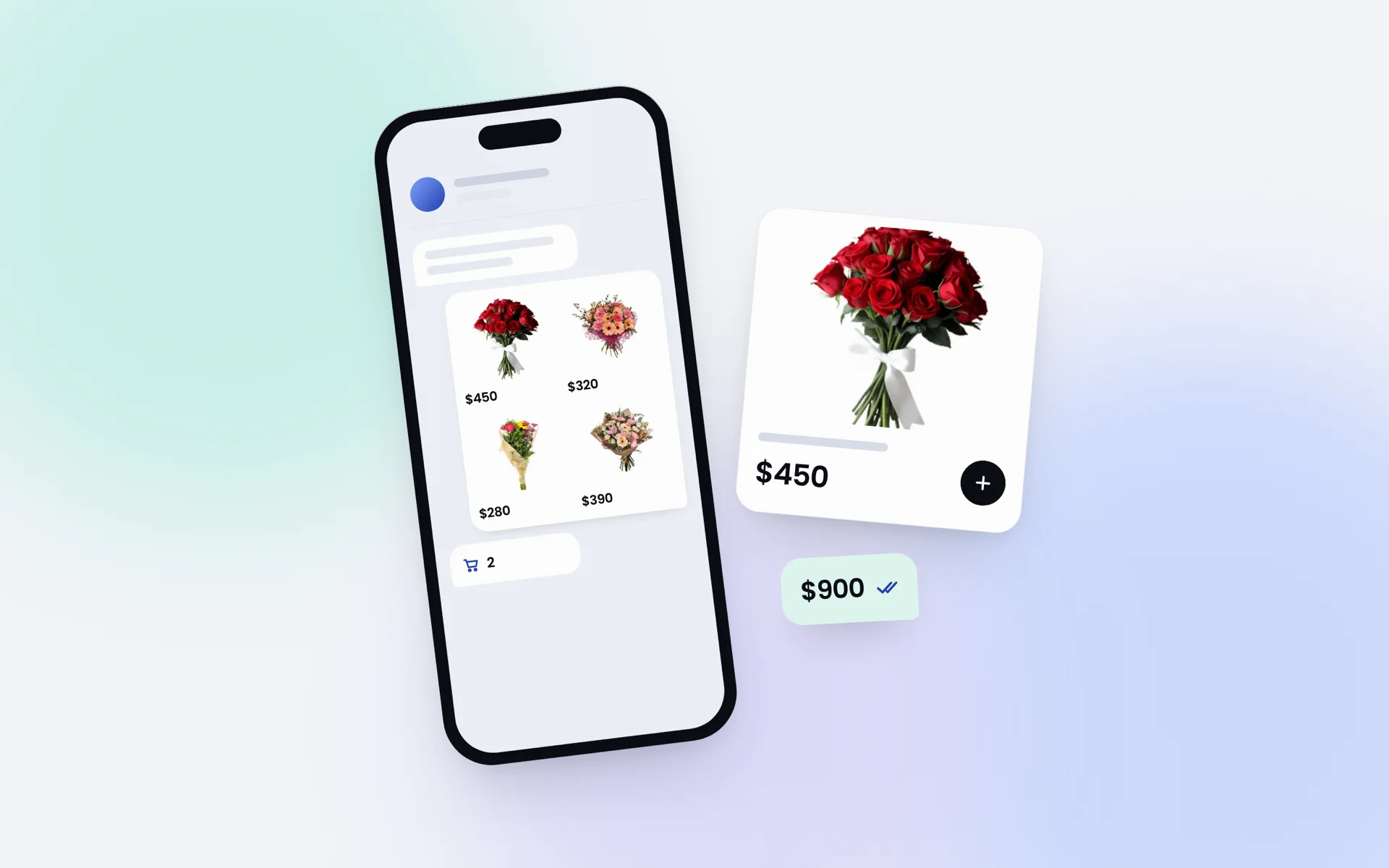
If you sell over WhatsApp, your catalog is your shop window. It's what customers look at before they message you, and it's the difference between a vague «what do you have?» that goes nowhere and a real order. The good news: it costs nothing and takes less than an hour.
There are three ways to do it, and you don't have to pick just one. Plenty of businesses run two side by side.
Three ways to have a catalog
| WhatsApp Business | Online | ||
|---|---|---|---|
| Cost | Free | Free | It depends |
| Shows up inside the chat | Yes | As a file | As a link |
| Can be shared outside WhatsApp | No | Yes | Yes |
| Can be printed | No | Yes | No |
| Knows what's sold out | No | No | If it runs off your inventory |
The WhatsApp Business catalog lives in your business profile, and customers browse it without leaving the chat. A PDF can go to anyone: send it, print it for a market stall or post it on social media. An online catalog is a web page with your products. You share it as a link and, if it's connected to your inventory, it knows what you've run out of.
Setting it up in WhatsApp Business
- Install WhatsApp Business (it's free, and it's a separate app from regular WhatsApp) and register it with your business number.
- Open Business tools, then Catalog.
- Tap Add new item and fill in the photo, name, price and a short description.
- To send it, tap the paperclip in any chat and choose Catalog, or share one product at a time.
How to put a catalog on regular WhatsApp, without Business
Regular WhatsApp has no catalog: that feature only exists in WhatsApp Business. If you don't want to switch apps, you have two ways out that work just as well for the customer:
- A PDF with your products, saved on your phone. You send it as a document in any chat and the person opens it without installing anything. That's what the generator below makes.
- An album in your status or in a chat with yourself, one photo per product with the price in the caption. To send it, you forward the photos people ask for.
- An online page with your products, shared as a link. It's the only one of the three that updates itself when you change a price or something runs out.
Making a PDF catalog
You can lay one out in any design program, but a generator that does the layout for you is faster. We built a free one to get you started: add up to three products, upload their photos, enter your WhatsApp number, and you get a PDF where your number is a link, so anyone who opens it can message you in one tap. Your photos are never uploaded to a server.
Make my WhatsApp catalog for free
What to put on each product
- One clear photo. Daylight, a plain background, the product in the middle. One good photo beats three bad ones.
- The name your customers use, not your supplier's code. «White linen blouse», not «BL-2231».
- The price, always. People who have to ask for the price often don't bother asking.
- Only what's needed to order: sizes, colors, flavors or dimensions. Nothing more.
Sharing it so people actually see it
- In your WhatsApp status, one or two products a day. It's what your contacts look at most.
- In a broadcast list of customers who've already bought from you, whenever something new comes in.
- Pinned in your customer groups, so newcomers find it.
- On your social profiles, with the link or the PDF in your bio.
The catch with every catalog: keeping it current
An out-of-date catalog does more harm than no catalog. The customer asks for what they see, you tell them it's gone, and the sale cools off. Every time you change a price or sell out of something, update it: in WhatsApp Business you edit the item, and a PDF takes a minute to regenerate.
Once you're selling a lot, doing that by hand becomes impossible. That's why the online catalog in Arca runs off your inventory: if you choose to show stock, anything that sells out shows as sold out without you touching it, and customers put together their order and send it to you over WhatsApp. It's part of the Pro plan.